Why Your Ceiling Fan Hums: Dimmer Switches & Other Causes
Ceiling fan humming or buzzing? Often the problem isn’t the fan at all—it’s the dimmer switch. Here’s how we diagnose and fix humming fans the right way.
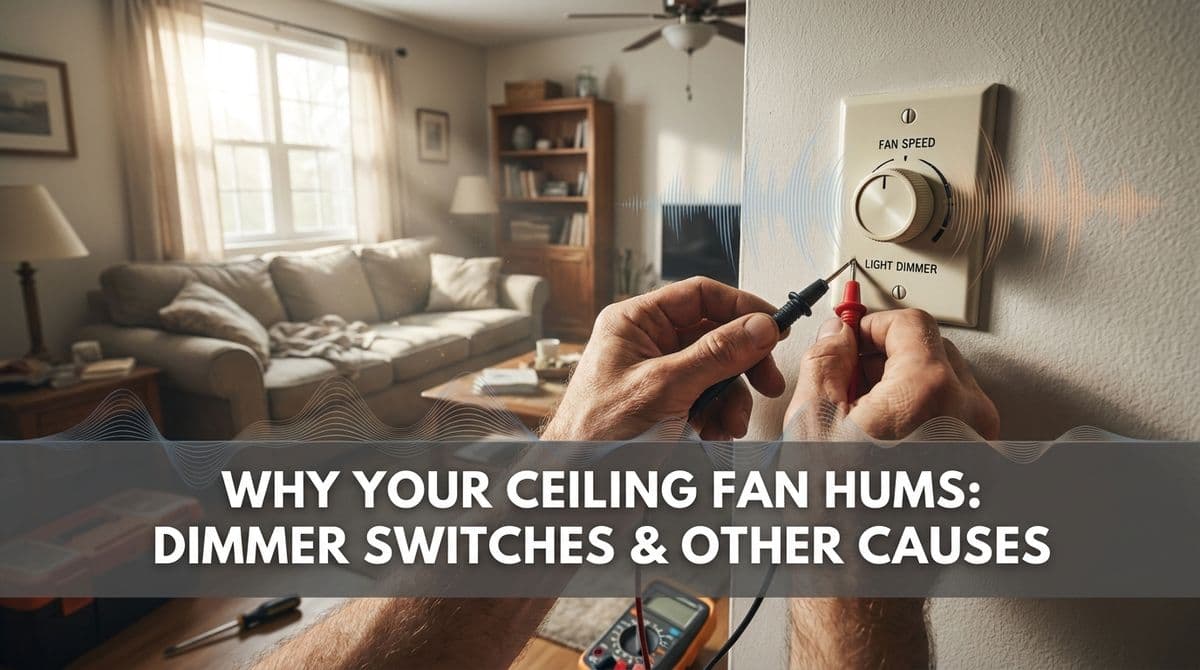
“My Ceiling Fan Has a Hum… Is It the Switch or the Fan?”
We recently got a call from a customer — let's call him Mike — who had just come home from a long 13-hour workday. He told us, “When I turn on the fan, I get this hum. I don’t know if it’s the switch or the fan, but I just want it done right.”
Mike had already been to the big-box store, looked at the wall of switches, and decided the parts felt a little flimsy. He also mentioned something that instantly made our ears perk up: his ceiling fan was on a dimmer switch. As soon as he said that, we knew we were probably looking at the most common cause of humming ceiling fans we see.
Let’s walk through what we explained to Mike on the phone — and what we show homeowners every week when we’re out on jobs.
Why Ceiling Fans Hum in the First Place
A little bit of noise from a ceiling fan can be normal, especially at higher speeds. But a persistent electrical hum is usually a sign that something isn’t quite right with the way power is getting to the fan.
Most ceiling fan hums we troubleshoot fall into a few categories:
- Electrical control issues (dimmers, wrong type of switch, bad speed control)
- Wiring or connection problems (loose wire nuts, over-tightened mounting)
- Mechanical issues (wobble, unbalanced blades, worn motor bearings)
In Mike’s case, the first red flag was that dimmer switch.
Why Standard Dimmer Switches Make Fans Hum
When we asked Mike, “Is your fan on one of those dimmer-style switches?” he immediately said, “Bingo.” That told us a lot.
A standard light dimmer is designed for lights only, not for motors. Here’s why it causes trouble with ceiling fans:
- Dimmer switches chop up the power going to the fixture, creating a kind of rapid on/off pattern that our eyes don’t notice in lights but a motor definitely feels.
- That chopped-up power makes the fan’s motor vibrate, and that vibration turns into a hum or buzz you hear at the wall or up at the fan.
- Over time, this can stress the motor, leading to shorter fan life or even motor failure.
So if your ceiling fan is on a dimmer that looks like a slider, round knob, or fancy touch-control meant for lights, there’s a good chance that’s the source of the humming.
The Right Way to Control a Ceiling Fan (No Hum)
What we told Mike — and what we recommend to every homeowner — is to use a control that’s specifically rated for ceiling fans. You’ve got a few good options:
- Fan-only speed control: Looks similar to a dimmer but is labeled for “fan speed” or “fan control” and is designed for motors.
- Separate switches: One switch (or pull chain) for the fan motor and another for the light, each with the correct rating.
- Remote or wall control kits: Many modern fans come with their own matched control systems that keep everything quiet and safe.
On Mike’s upcoming visit, we’re bringing fan-rated switches from our electrical supply house — heavier duty and more reliable than most big-box options — so we can swap out the dimmer and any other problem switches in one trip.
Other Electrical Causes of a Humming Fan
Dimmer switches are the number-one culprit, but they’re not the only one. When we’re on site, we also look for:
- Loose connections: A loose wire nut or backstab connection can cause buzzing at the switch or junction box.
- Undersized or worn switches: A basic switch controlling a heavy load for years can start to buzz or feel warm.
- Shared circuits under strain: If too many devices share a circuit, you may hear noise or see lights flicker when the fan runs.
These issues aren’t just annoying — they can also be safety concerns if left unaddressed.
When It’s Not Electrical: Simple Maintenance to Reduce Hum
Sometimes the electrical side is perfectly fine, and the hum is more of a mechanical or vibration issue in the fan itself. Before you replace the whole thing, try a few basic checks:
- Tighten all screws: Check the fan’s mounting bracket, canopy, blade arms, and light kit. Loose hardware can amplify vibration into a buzz.
- Balance the blades: If the fan wobbles, use a balancing kit (often included with the fan) or gently clean each blade and ensure they’re not warped.
- Listen at different speeds: If the hum is only at one speed, it may be a failing speed coil or control in the fan that a pro should check.
If you’ve tightened everything and the hum is still there — especially if it’s coming from the switch — it’s time to look back at the electrical controls.
How We Diagnose a Humming Fan on Site
When we show up for an appointment like the one we scheduled with Mike, we follow a simple process to track down the problem efficiently:
- Inspect the switch and wiring: We remove the wall plate, check the type of switch, look for dimmers, and verify all connections are tight and correctly made.
- Test the fan on direct power: If possible, we temporarily bypass questionable controls to see if the fan hums when powered correctly.
- Check the fan mounting and hardware: We make sure the electrical box is fan-rated and firmly attached, and confirm all fan screws and brackets are secure.
- Evaluate the fan itself: If the wiring and controls check out, we listen for internal motor noise that may mean the fan is simply at the end of its life.
By the time we’re done, we can usually say with confidence, “You just need a new control,” or “This fan has done its job — it’s time to replace it.” Mike even told us, “If I need a new ceiling fan, I’ll get one. I just want it done right,” which is exactly the attitude that saves headaches down the road.
What to Expect During a Service Visit
If you call us for a humming fan, here’s what you can expect when we come out:
- Upfront conversation: We’ll ask what the hum sounds like, when it happens, and what kind of switches or remotes you’re using.
- Proper materials: We arrive with fan-rated controls and quality switches from our supply house, not just whatever is on the hardware-store shelf.
- Clean, safe work: We shut off power, verify circuits, swap out bad switches, and secure all connections properly.
- Clear recommendations: If the fan itself is the issue, we’ll let you know and can either install a new one you provide or help you choose a suitable replacement.
Our goal is exactly what Mike asked for: to get it done right, so you can flip that switch and enjoy a quiet, comfortable room without wondering what that buzzing sound is.
Should You Replace the Switch or the Fan First?
If your fan is on a standard dimmer and you’re hearing a hum, start with the switch. It’s usually faster, cheaper, and safer to correct the control first. In many cases, once we install a proper fan-rated control, the hum disappears completely.
If the fan is older, wobbly, or noisy even with the right switch, then it might be time to replace the fan as well. Either way, addressing the electrical side first prevents long-term damage to a new fan you might install later.
If your ceiling fan is humming and you see a dimmer on the wall, there’s a good chance you’ve already found the culprit. Swapping to the right kind of control — and having the wiring checked by a licensed electrician — can bring back the quiet comfort you installed that fan for in the first place.